
Please watch the video for instructions on how to create an account to receive email notifications for Stallion Springs CSD or you may read through the below instructions and begin creating your account by clicking "Notification Account Sign Up" in the menu option on the side.
Once you have verified your account with the one time email password this will bring you to your newly created profile which you can close out of and then manage your notifications by clicking "Manage Notification" in the menu option on the side.
NOTE: You will not receive notifications until you have verified your account via the login link and selected the notifications that you wish to receive.
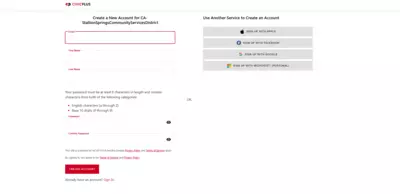
Fill out the information and click "Create Account" at the bottom of the page
Click here to enlarge image.
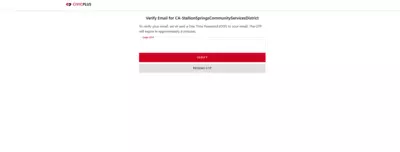
After creating the account you will be sent a one time password to your email. Enter in that password and select Verify.
Click here to enlarge image.
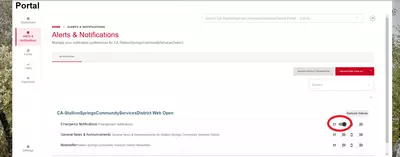
Once the one time password has been verified you will be able to go back to the notification management page and toggle on which lists you want to receive email notifications for.
Click here to enlarge image.
